🧠
On-Device AI Assistant — 9 Modes, 100% Local
AI-powered assistant with 9 modes — summarize, rewrite, explain, generate, and more. 100% local processing, zero API keys.
Key Benefits
- 100% local processing — your data never leaves your Mac
- 9 AI modes for writing, coding, and creative tasks
- Multi-turn conversations with context memory
- Drop files directly — PDF, DOCX, JSON, and 8 more formats
- Generate images with Apple ImagePlayground
- No API keys, no subscriptions, no cloud dependency
How It Works
- 1Press ⌘⇧A or select On-Device AI from the menu bar
- 2Choose from 9 modes: Ask Anything, Summarize, Rewrite, Explain, Fix Grammar, Explain Code, Generate Regex, Convert Format, or Create Image
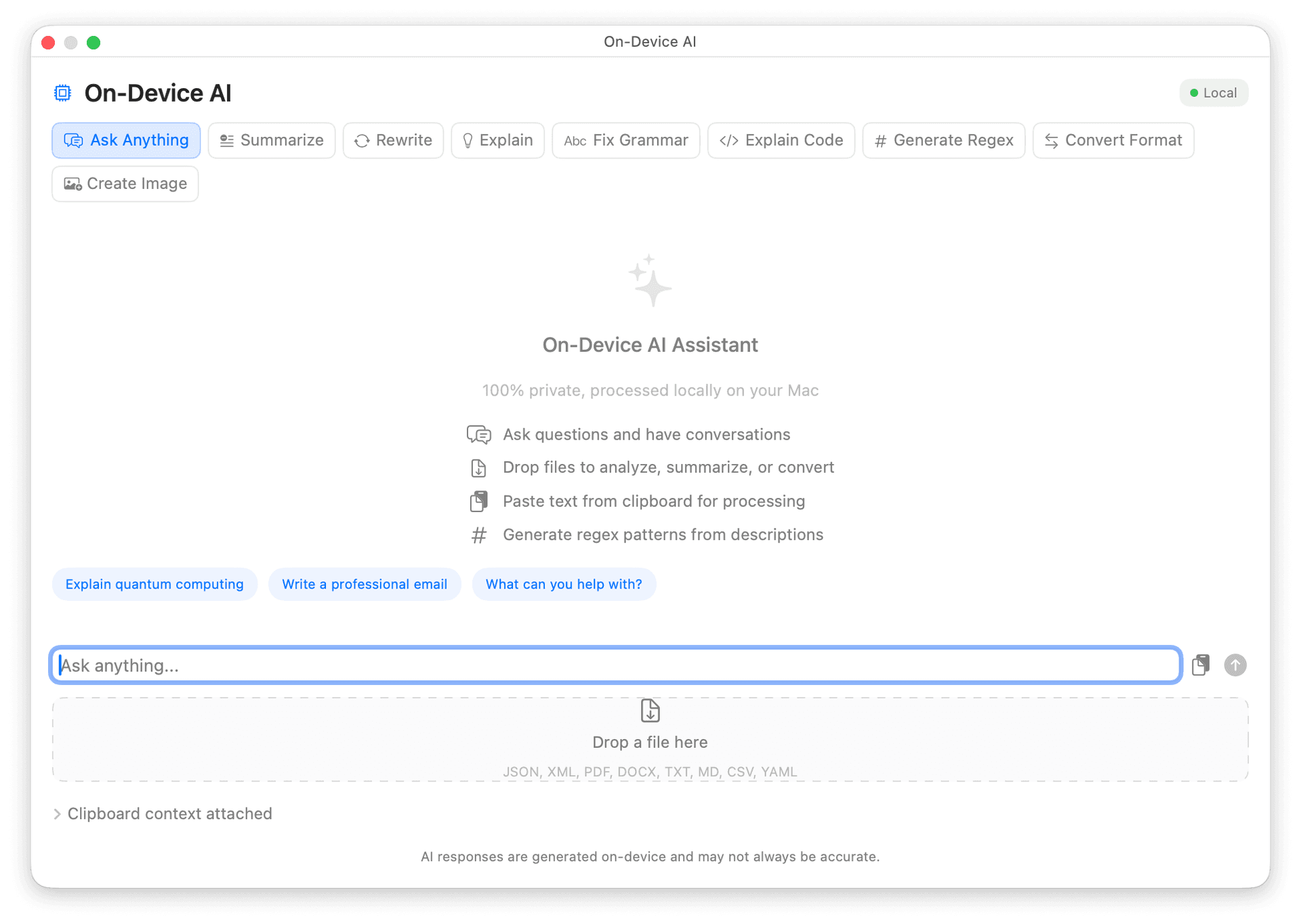
- 3Type your prompt or drop a file — AI processes everything locally
- 4Copy the result, replace your clipboard, or continue the conversation
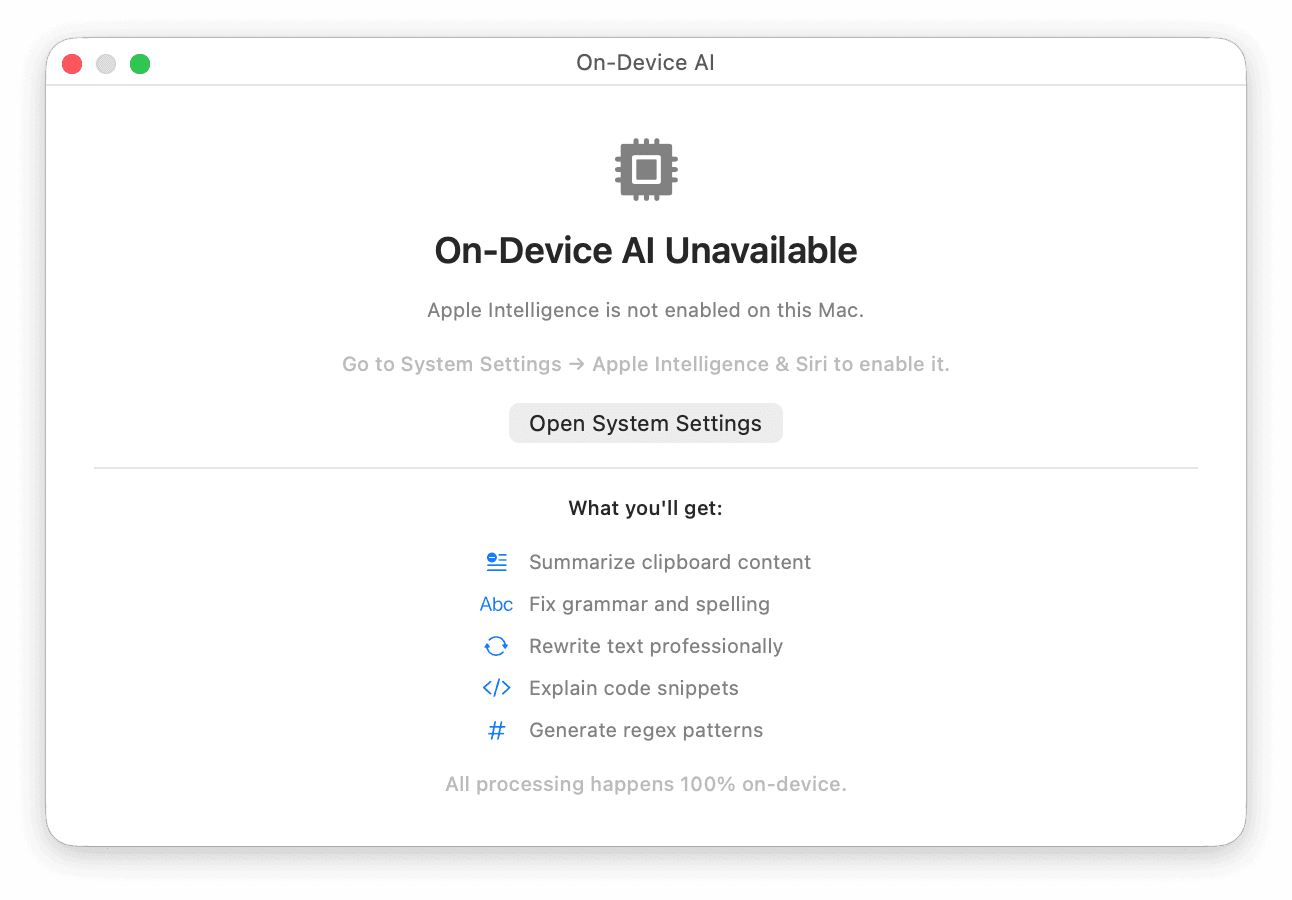
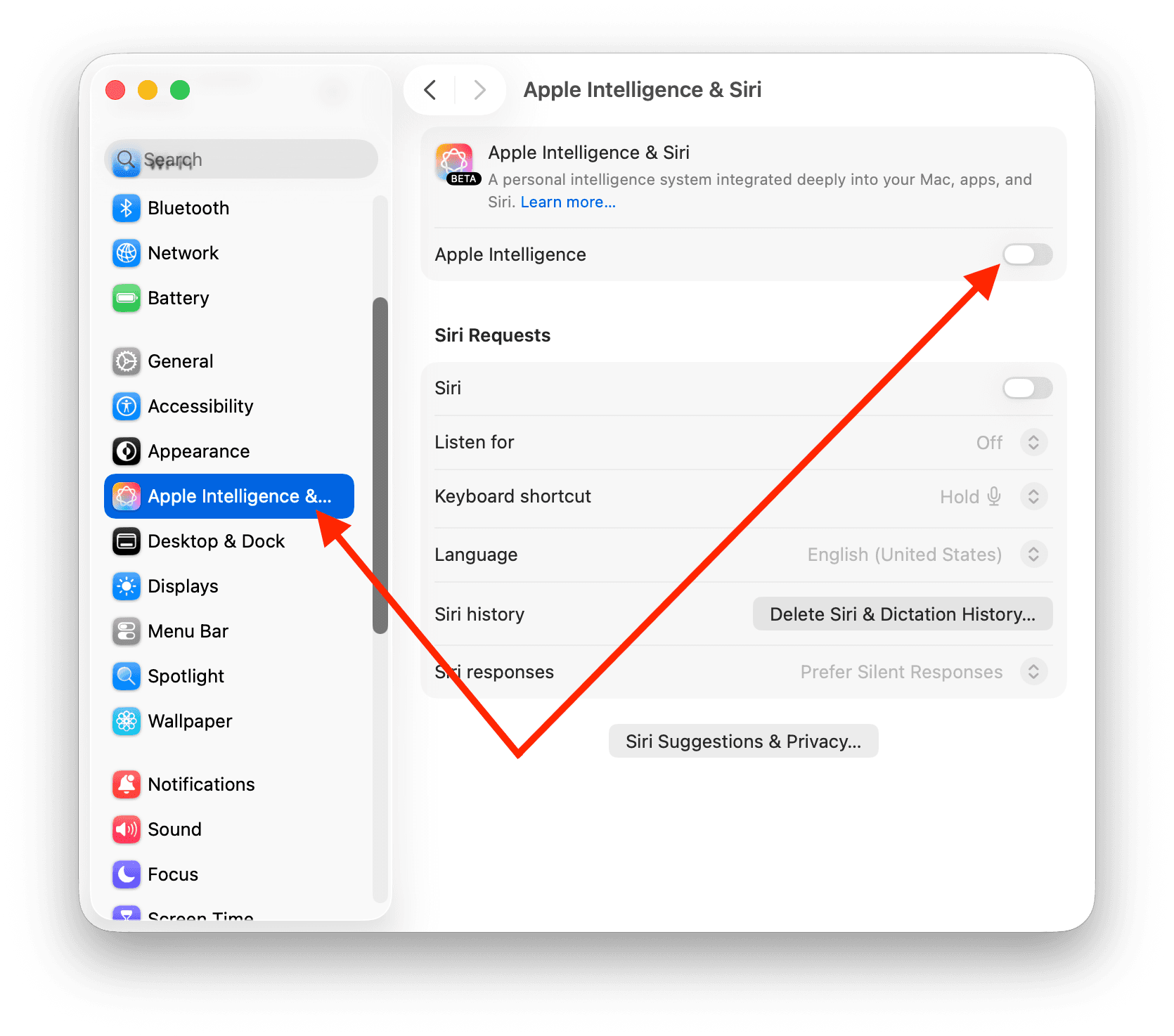
- 5All processing happens on your Mac using Apple Intelligence
Ready to try On-Device AI?
Try Macty free for 7 days — no credit card required.


Share this feature
Related Features
{ }
JSON/XML Formatting
Beautify, minify, and validate JSON, XML, and Markdown data with a single click. Auto-detect format type with syntax highlighting and error detection.
🧹
Text Cleaner
Strip formatting from rich text with four cleaning modes: ASCII, Unicode, Programming, and Markdown.
📋
Clipboard Format
Format content directly from your clipboard without manual paste. Macty auto-detects the format and provides instant formatting.